
Skip to content

Till, kiosk, kitchen and invoicing. One system.

KassaOne connects everything that happens in your business between the order and the books. What’s ordered at the kiosk appears straight away on the kitchen display, comes off your stock and shows up in the evening’s till closing.

  1. Order at the kioskThe order is paid and the number is set.
  2. Tick off in the kitchenThe ticket appears straight away on the right station’s display.
  3. Collect at the displayAs soon as the kitchen marks it done, the number moves across.

Fewer programs that don’t talk to each other.

KassaOne is one app for the whole business: till, self-service, kitchen, stock, purchasing, customer cards, appointments, invoices. Install it on a tablet, PC or smartphone, or just open it in the browser.

Everything uses the same items, customers and receipts. You set a price once and it’s right at the till, at the kiosk and in online ordering.

What becomes of a receipt.

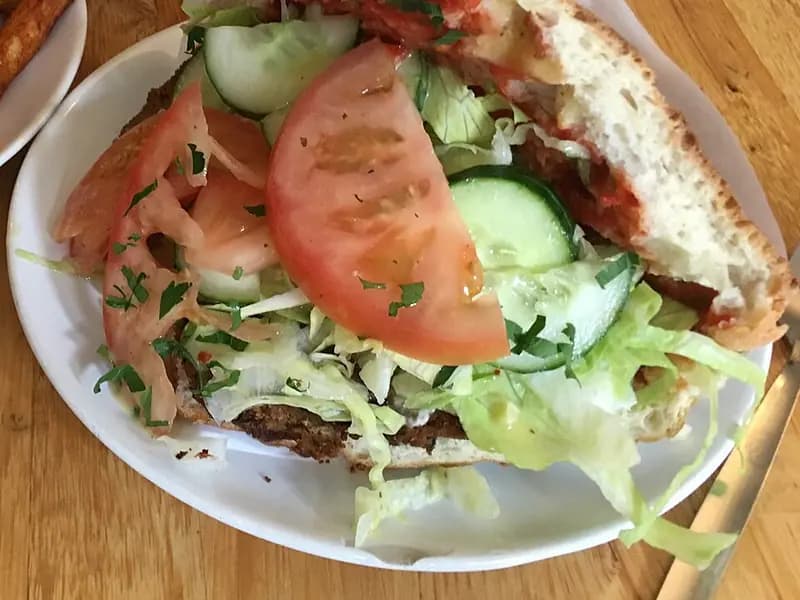
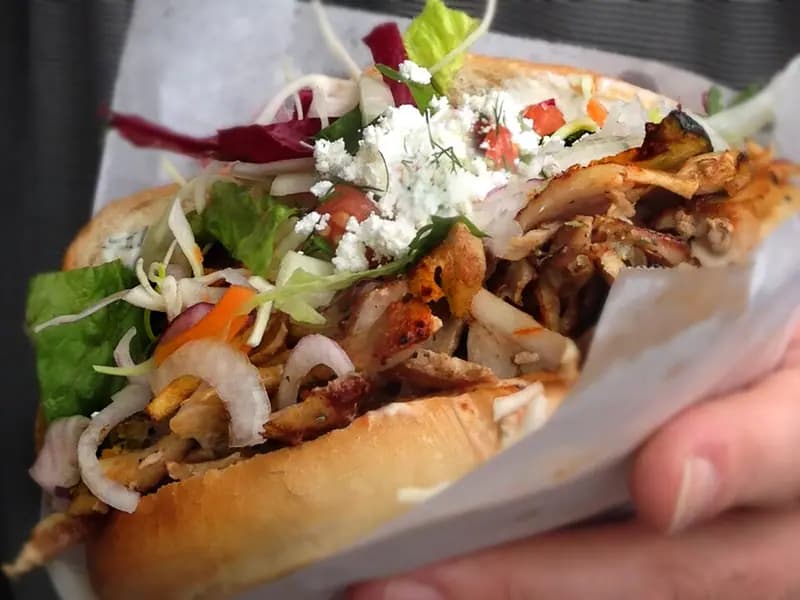
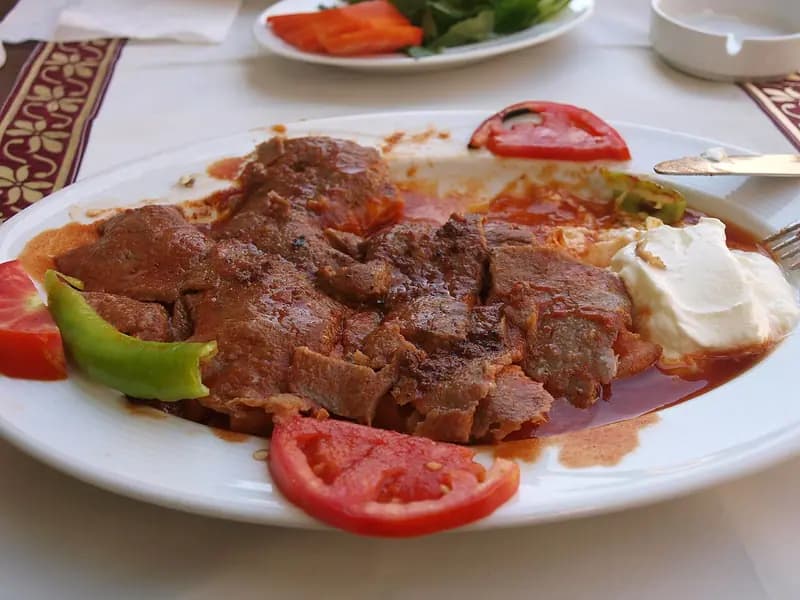
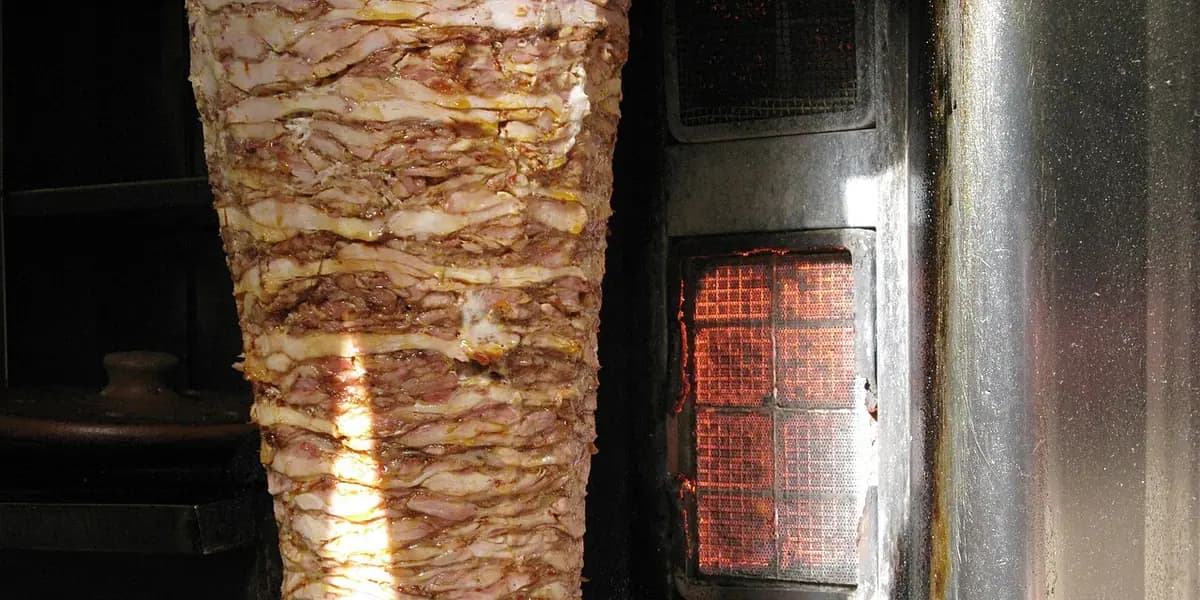
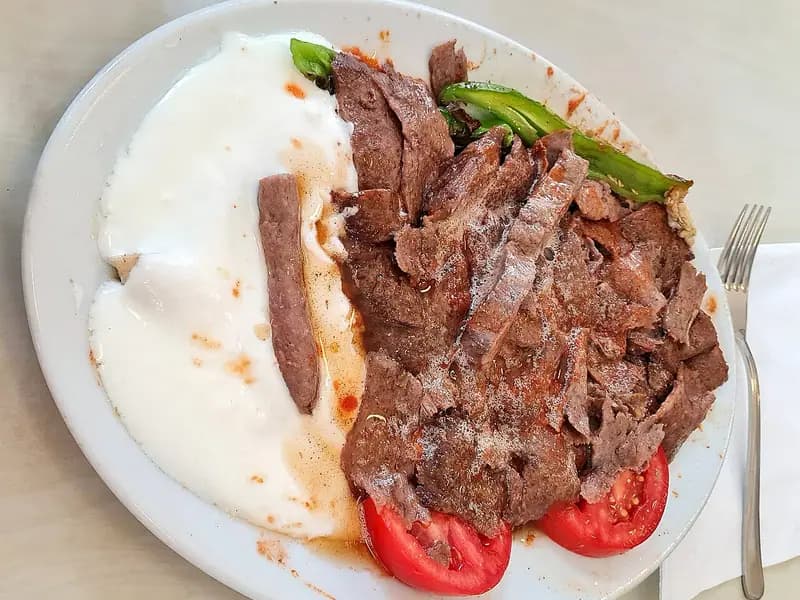
Receipt 147 from the example above: a döner at lunchtime, the wholesaler’s delivery the next morning. Seven steps, one piece of software.

  1. Order

    At the kiosk, at the till, online or by QR code at the table. Every route ends up in the same system.

    Receipt 147 for €17.30

  2. Prepare

    The ticket appears on the kitchen display of the right station. The kitchen ticks off item by item.

    Kitchen station, 2 items

  3. Collect

    When the kitchen marks it done, the number moves across on the pick-up display. With a sound if you like.

    No. 147 ready

  4. Book usage

    The sale takes the recipe out of stock. You see what the döner cost you, with nothing to enter afterwards.

    Veal döner skewer −140 g, flatbread −1, onions −25 g, salad −50 g

  5. Reorder

    When an item falls below minimum stock, a suggestion is created per supplier. You approve it and the order goes out by email.

    Veal döner skewer: 6.0 kg left, 3 × 10 kg suggested

  6. Receive goods

    When the delivery arrives you tick it off and note any differences. Your stock is right again.

    30 kg delivered, 36.0 kg in stock

  7. Close the day

    In the evening you count the till and run the Z report. For your tax adviser you export DATEV and DSFinV-K.

    Z report, journal, exports

What you do with it every day.

Till & offline

The till keeps selling when the internet is gone.

Categories on the left, tiles with photos, basket on the right. Without a connection, cash sales carry on, and the receipts are sent as soon as you’re back online.

  • Extras and variants, split payment, tips
  • Scan items by barcode with a handheld scanner or camera, offline too
  • Switch staff by PIN, offline too after one sign-in on the device
  • Printed receipt or e-receipt link; voids as a separate counter-receipt
  • Locked while offline: card payment, voids, cash withdrawal, till closing

Receipt printers (ESC/POS, Epson ePOS, Star WebPRNT) are connected according to the manufacturers’ documentation and have not yet been tested on real hardware.

Kiosk & online ordering

Your guests order themselves. You decide how.

You build the kiosk in the editor: drag tiles and banners, set add-on suggestions, publish. The same menu is available for online ordering and by QR code at the table.

  • Preview in portrait and landscape, versions and rollback
  • Returns to the start when nobody is ordering; language selectable
  • Orders go into the same kitchen and pick-up flow
  • Opening hours per location: online ordering accepts nothing outside them

Payment: the kiosk connects to an Adyen terminal, online payments to Mollie. Both have only been tested against a local replica, not against the real service. The demo uses a test payment.

Kitchen & pick-up

The kitchen sees what’s next.

Each station gets its tickets, with a timer and colour stages. Tick off an item, mark the ticket done, and the number moves across on the pick-up display.

  • Tickets from till, kiosk, online and table on one display
  • Large type and a contrast mode for the display on the wall
  • Sound on “Ready” and a one-time highlight on the customer TV

Stock, recipes & purchasing

Every sale updates your stock, and purchasing arrives as a suggestion.

You enter once what goes into a dish. After that you know what’s left, what’s missing and what a dish costs you.

  • Recipes per variant, minimum and target stock
  • Order suggestion per supplier, approval, sent by email with PDF and CSV
  • Goods receipt with differences, stocktaking, margin by recipe

For now, wholesalers are connected by email. There are no direct supplier interfaces yet.

Customers, stamp card & vouchers

Regulars don’t need a paper card any more.

The stamp card runs on the phone, without an app. You scan the code at the till, and when the card is full you redeem the reward in one move.

  • Choose the reward: free item or amount off
  • Sell and redeem vouchers, in part amounts too
  • Data export and anonymisation per customer, consents with version

Apple Wallet and Google Wallet passes are built but haven’t been tried on real devices yet.

Invoices, e-invoicing & DATEV

From quote to invoice, without a second program.

Write a quote, turn it into an invoice, record the payment, send reminders. You create the e-invoice from the same invoice, and KassaOne reads incoming e-invoices.

  • Create XRechnung and ZUGFeRD, checked against the official XSD
  • Import incoming invoices as XML or ZUGFeRD PDF
  • Reminder levels, invoice corrections, DATEV booking batch

The check with the KoSIT validator and proof of PDF/A-3 are still outstanding. The account assignment and booking logic in the DATEV export still need confirming by a tax adviser.

Fiscal: journal & DSFinV-K

Every receipt is in the journal, and you can check it.

Receipts are never changed or deleted. Corrections are made through counter-entries. Each entry is chained to the previous one, and the check shows you whether the chain is intact.

  • Sequential receipt numbers, Z reports per till
  • Export to DSFinV-K 2.4 and data sheet for the till registration
  • Connection to fiskaly’s certified cloud TSE prepared

The fiskaly connection is built according to their interface description but hasn’t been tested against the real service. The demo works with an uncertified test TSE.

Frequently asked questions.

What does KassaOne cost?

We’ll give you prices in a conversation. There’s no fixed price list yet.

Is KassaOne already running in real businesses?

Not yet. The app is largely built and tested locally, and the demo runs on its own server. The first pilot is still to come. Before that, the real TSE and a real payment provider have to be tried out.

What about the TSE and German till law?

KassaOne is built to connect to fiskaly’s certified cloud TSE. The connection was developed according to the interface description but hasn’t been tested against the real service. The demo uses a test TSE.

Several questions still have to be settled with a tax adviser, for example about TSE outages or offline receipts. That’s why we make no promise of legal compliance.

What card payment options are there?

Two routes are built: the savings banks’ S-POS (Tap to Pay on a smartphone, for the till) and Adyen terminals (for the kiosk). Online ordering connects to Mollie, with each business using its own account. All three have only been tested against local replicas, not yet against the real services.

What happens if the internet goes down?

The till keeps selling for cash and sends the receipts later, and barcode scanning still works. Card payment, voids, cash withdrawal and till closing are locked while offline, and garage jobs can only be paid at the till online. How offline receipts should be signed afterwards is something we’re still clarifying with a tax adviser.

What devices do I need?

A device with an up-to-date browser: tablet, PC or smartphone. KassaOne can be installed on it as an app. For receipt printing there’s a small bridge to the printer; we’ll talk through card terminal and kiosk stand with you.

Where is my data stored?

The hosting provider for live operation hasn’t been chosen yet; Germany or the EU is planned. What we protect technically is described under Security.

Is KassaOne available in English or Turkish?

Yes. The app and the website are available in German, English and Turkish. The Turkish version hasn’t been checked by a native speaker yet.

Can I connect delivery services and wholesalers directly?

Not yet. Orders to wholesalers go out by email with PDF and CSV. Interfaces to delivery platforms and wholesalers will only come once access and documentation are available.

Show us your business. We’ll show you KassaOne with it.

Tell us how things work for you. We’ll go through your processes in the app and tell you frankly what already fits and what’s still missing.

Request a demo